EN
 PT
Mr.Frog eats bugs
Mr.Frog eats bugs
Available on itch.io
 Download Game
About the project
Mr.Frog eats bugs is an incremental survivors-like game where you control a frog, eating bugs that spawn around you and upgrading yourself to get stronger.
Your enemies are your bullets. The first click licks a bug into the frog's mouth, the next one spits it out as a projectile. Some bugs are too dangerous to lick, so the only way to beat them is to shoot other bugs at them.
Every bug you eat is spent on four upgrades that let you survive longer, move faster, reach further and unlock harder waves.
Contribution
- Game Design
- Level Design
- Balancing
- Content Design
- UI/UX Design
- Wireframing
- Project management
Details
Mr.Frog was made in a 3-day jam. I was one of the two game designers on the team, and we designed everything below:
Concept · Bugs · Waves · Upgrades · Menus
Concept
Reference games
We used games close to what we had in mind as references, each one for a different part of the game:
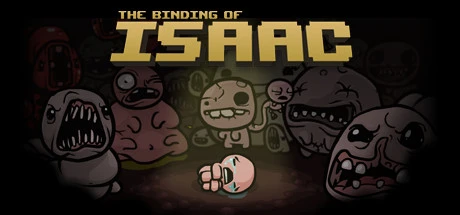
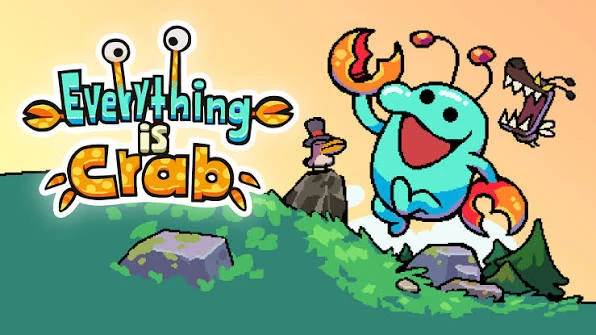
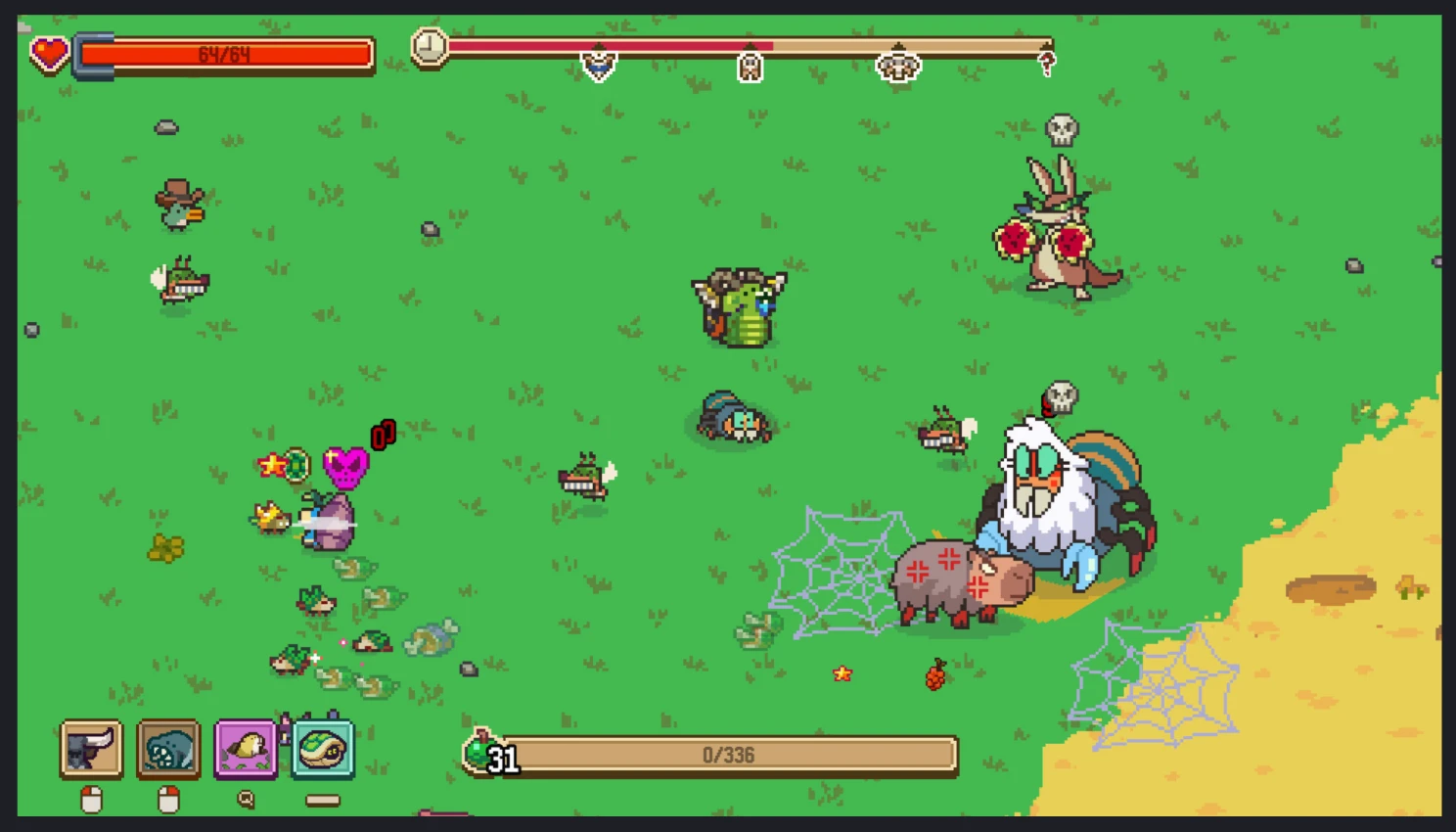
Survivors-likes in general gave us the loop: waves of enemies, a run that ends when you die, and upgrades between runs.
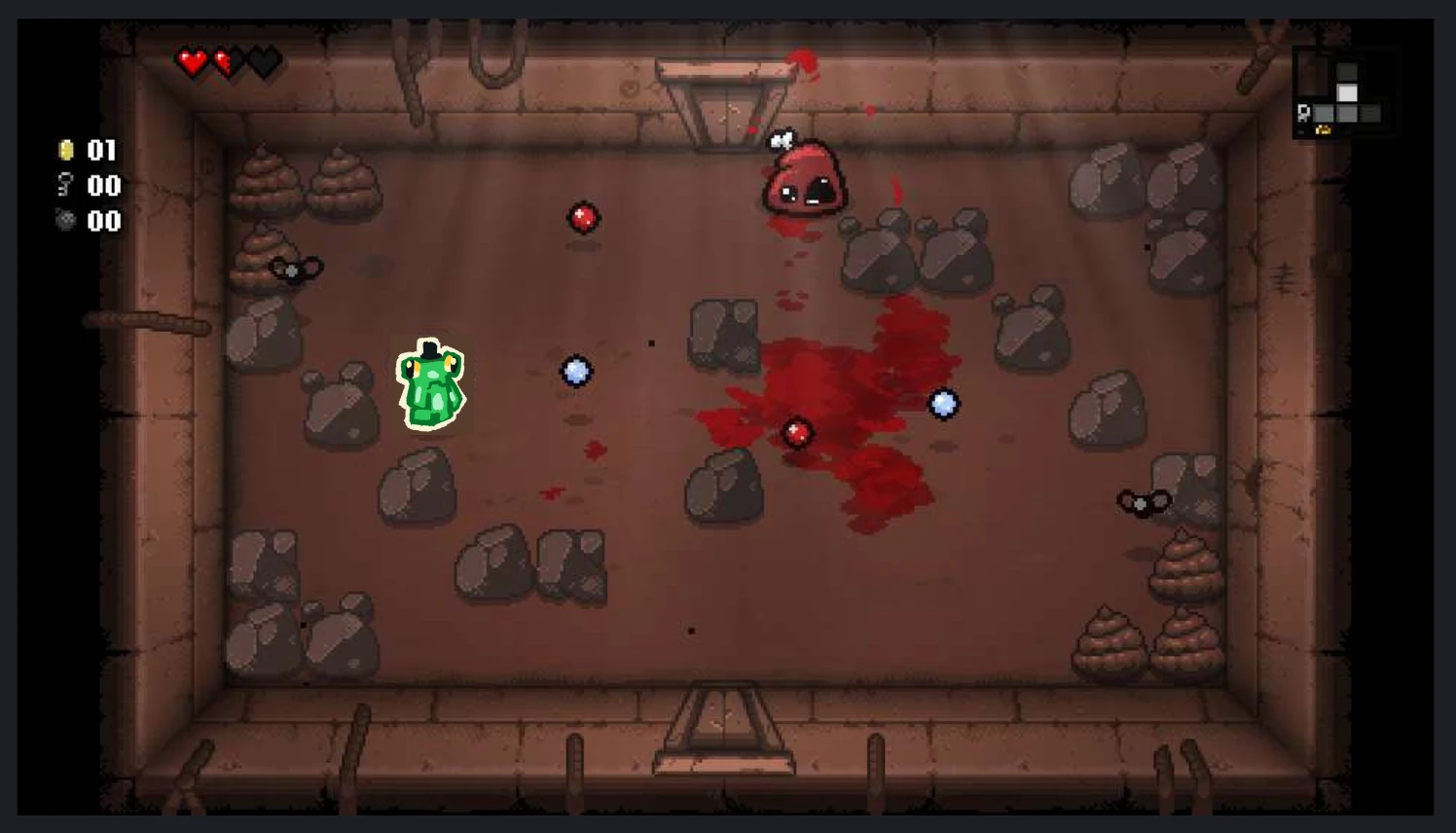
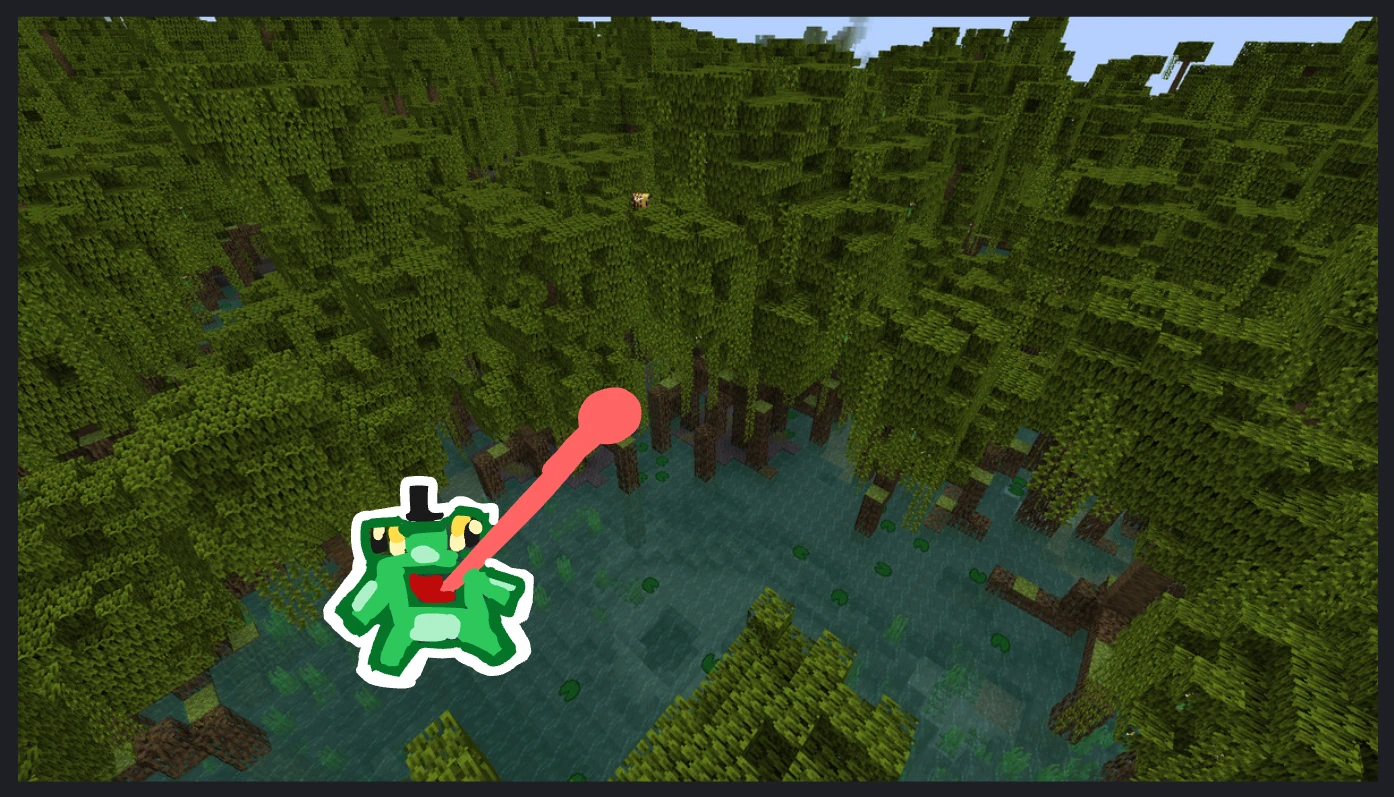
We also collected visual references for how the game should look, from a top-down room to a swamp setting and a survivors-like crowd, placing the frog in some of them to see how it would read:
Two first ideas
The game started as two different ideas, both about a frog eating bugs:
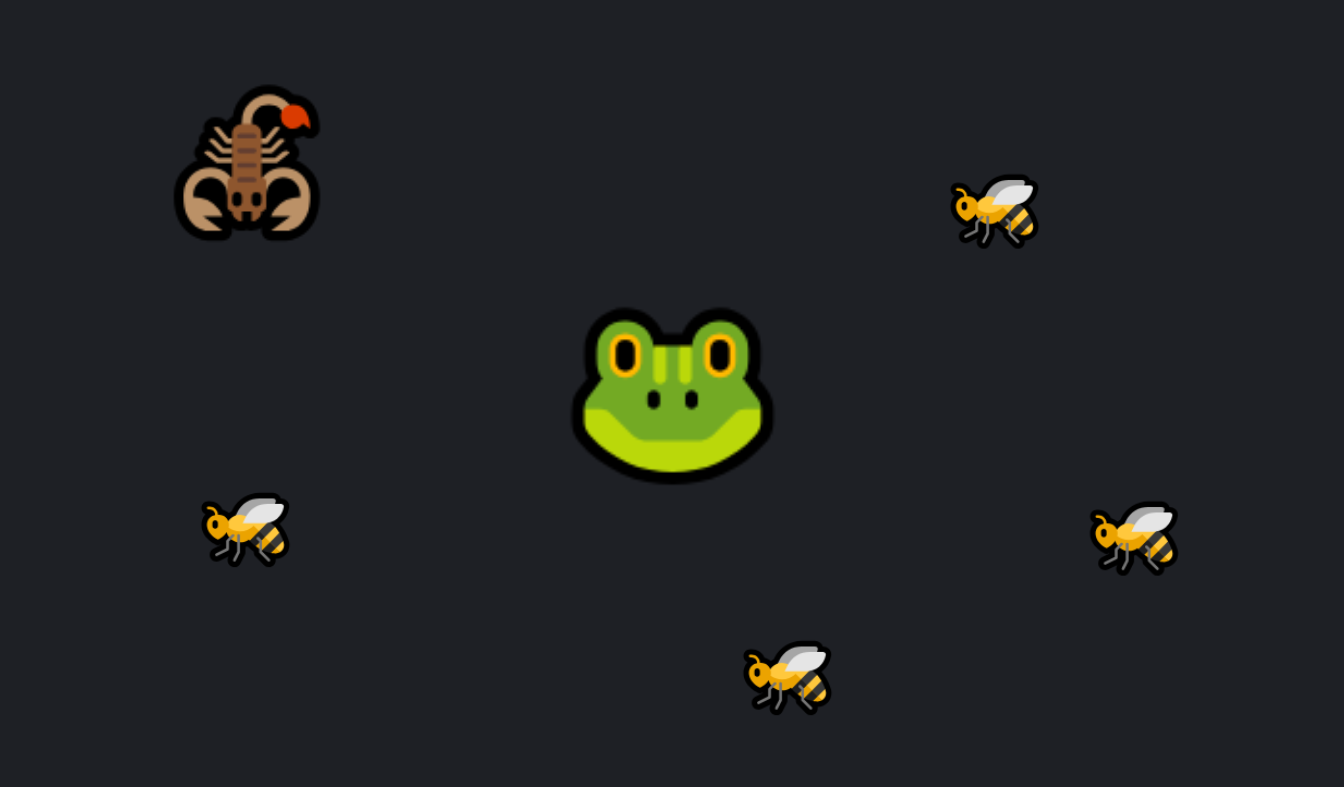
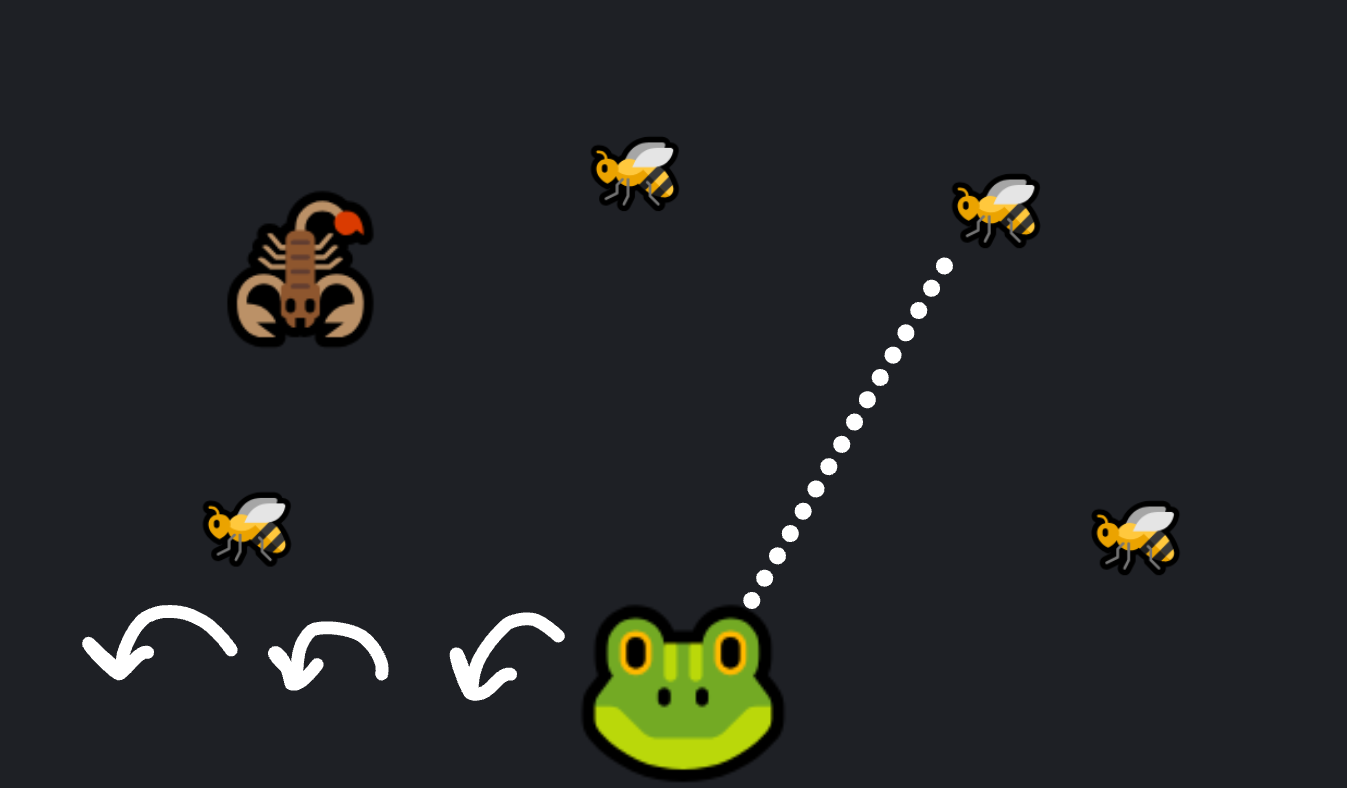
The second idea came from Gold Miner turned upside down: the claw swinging down at the gold becomes a tongue shooting up at bugs.
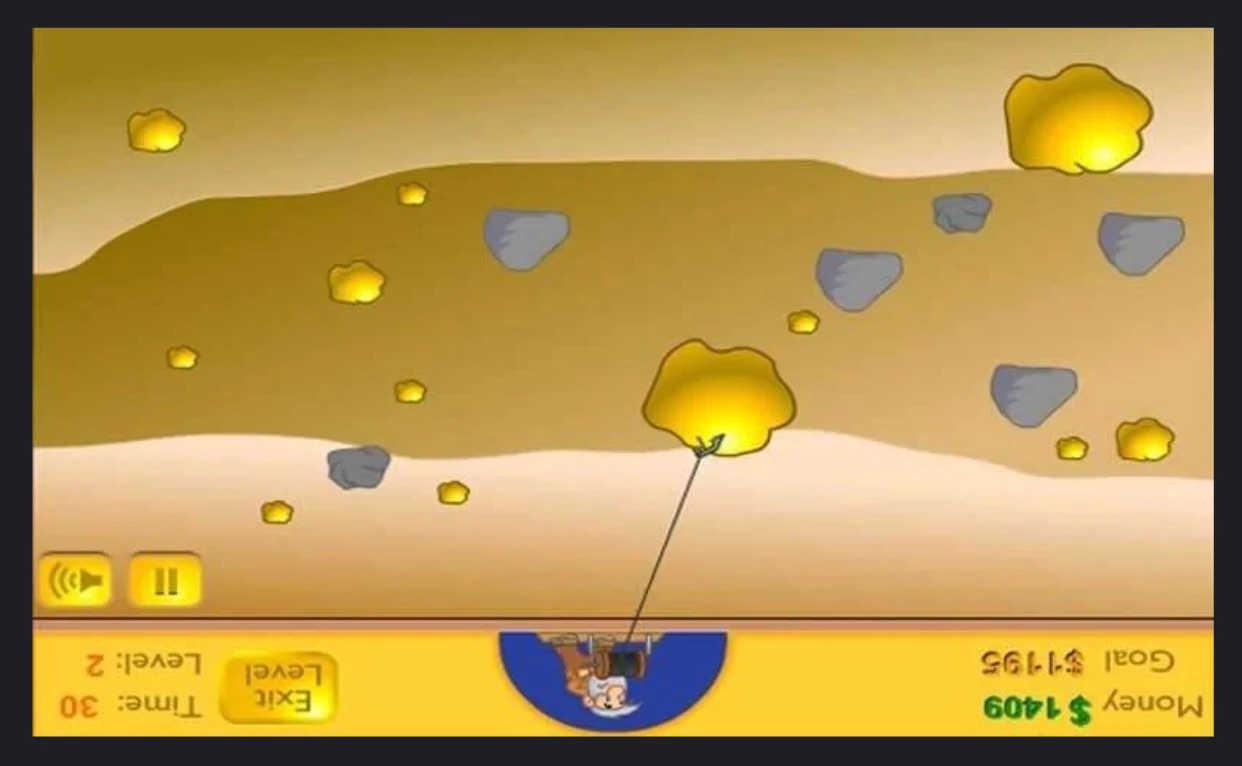
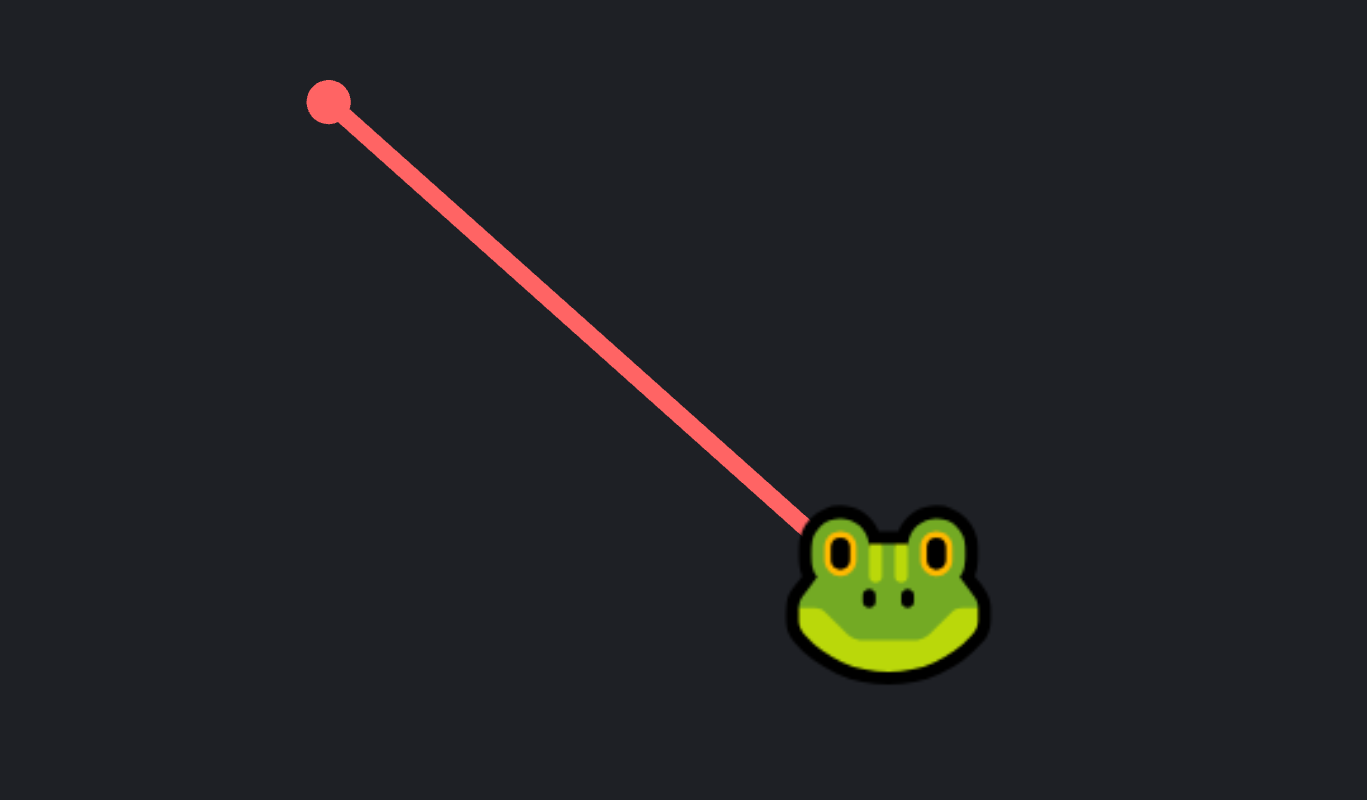
The final game mixes both: from the first idea, the frog walks freely around the arena; from the second, it licks everything with an aimed tongue.
Bugs
Brainstorm
With the core loop set, the next question was what to lick. We listed enemy ideas by how they react to the tongue and to projectiles: bugs you have to avoid, bugs worth one, three or six projectiles, shielded bugs, heavy ones that pull the frog, explosive ones, shooters, summoners and more.
The stars (★) mark the ideas we found most interesting, and the checkmarks (✔) the ones we approved, weighing the value each one added to the experience against what fit in the scope of a 3-day jam.
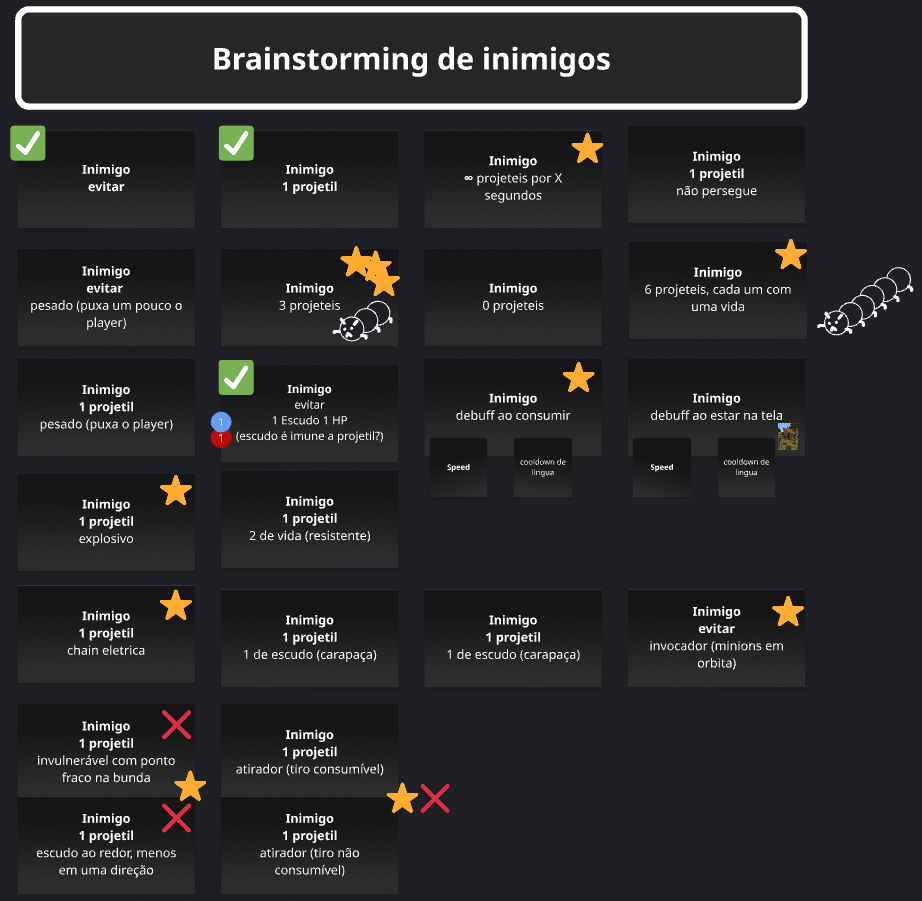
Each approved idea became a bug in the game: the enemy to avoid became the scorpion, the one-projectile enemy became the fly and the bee, and the shielded one became the beetle.
Design rules
To make every bug readable at a glance, its shape and color tell you how it behaves:
Round and blue
Slow and a little dopey
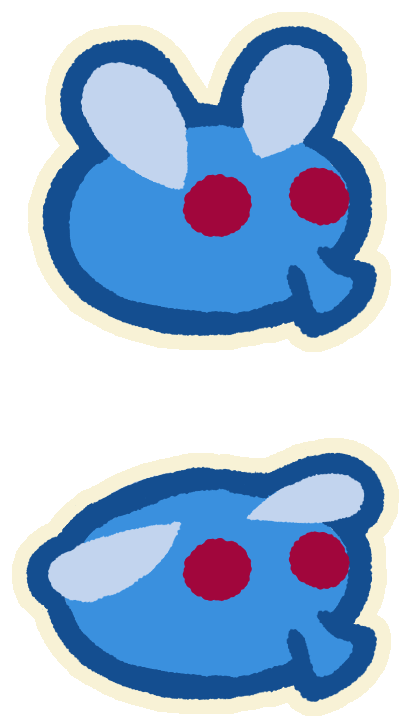 Fly
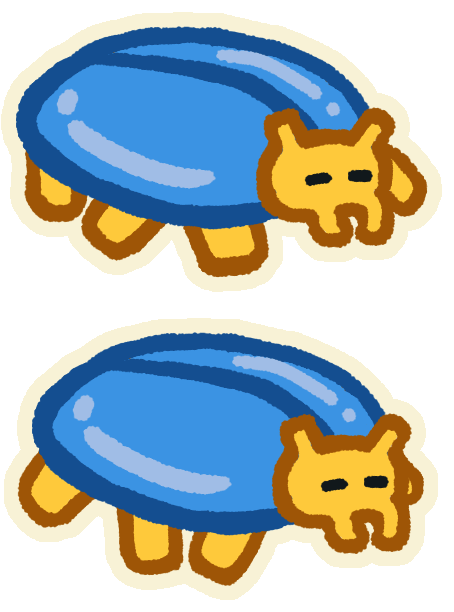 Beetle, with its shell
Square and yellow
Fast and more aggressive
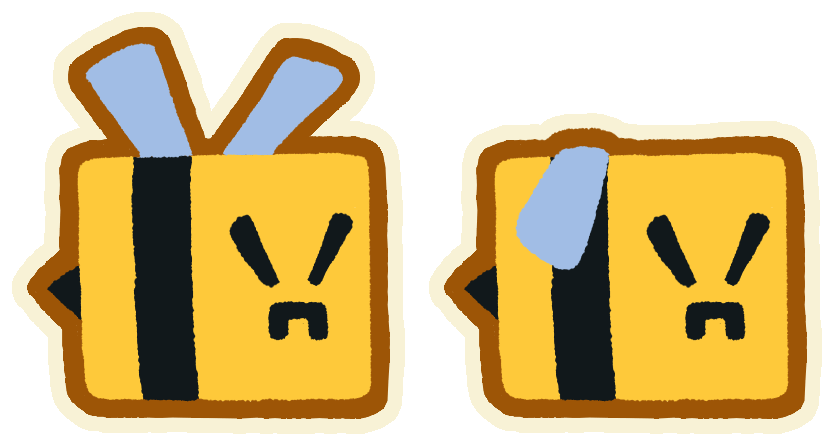 Bee
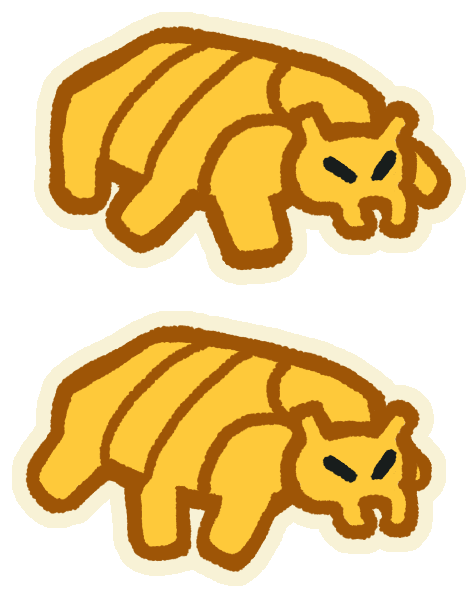 Beetle, without it
Spiky and red
Dangerous: don't lick it. Ever.
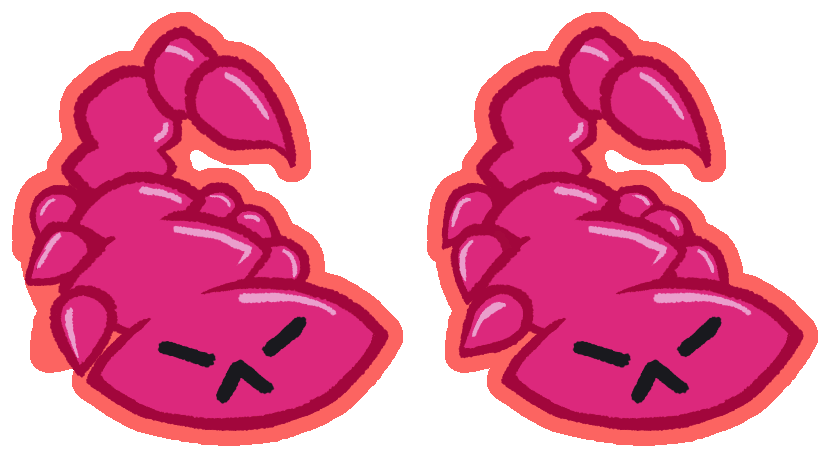 Scorpion
The four bugs
Four bugs made it into the game. They all hurt the frog on contact; what sets them apart is their health, their speed, and what happens when they're licked, spat and hit.
Fly
SlowEdible
The basic snack: slow and easy to catch.
- Lick
- Goes into the frog's belly
- Spit
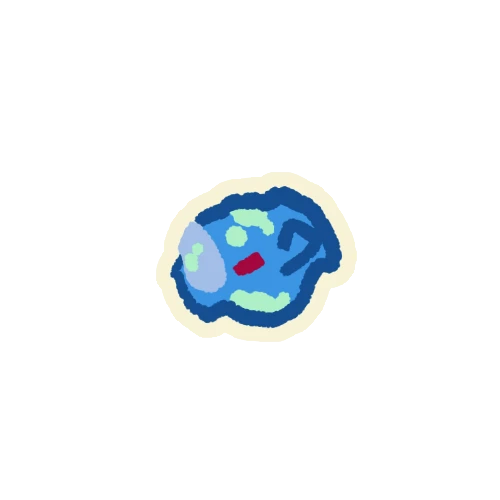 Launched where you aim
- Hit
- Dies
Bee
FastEdible
Works like the fly, but it's the fastest bug: eat it before it reaches you.
- Lick
- Goes into the frog's belly
- Spit
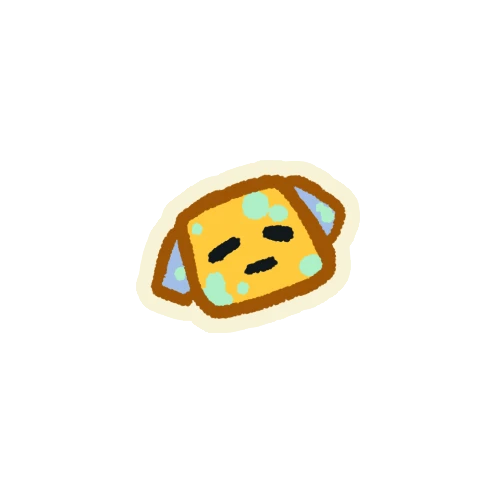 Launched where you aim
- Hit
- Dies
No shellBeetle
Slow, then fastArmored
Takes two hits. With its shell, it's round and blue, so it's slow; once the shell breaks, it turns yellow and speeds up.
- Lick
- 1st lick removes the shell, 2nd one eats it
- Spit
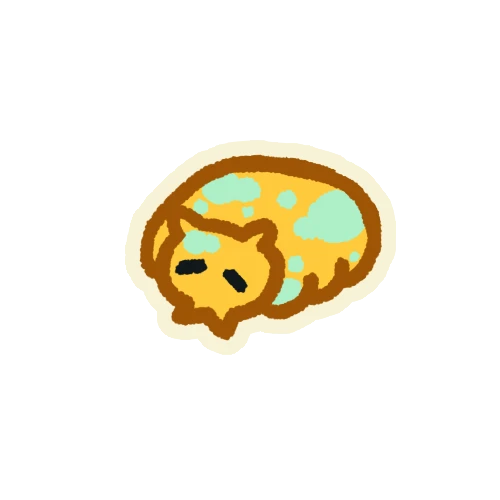 The shell isn't spat, only the beetle
- Hit
- 1st hit breaks the shell, 2nd one kills it
Scorpion
MediumDangerous
Can't be eaten: the red outline tells you to spit other bugs at it.
- Lick
- Not caught, and the frog takes damage
- Spit
- Can't be spat
- Hit
- Dies
Waves
The game has eight waves, each with its own mix of bugs and a spawn interval that goes from 1.5 seconds in the first wave down to 0.5 seconds in the last one. Flies fill the early waves, bees and scorpions take over the middle, and beetles arrive at the end.
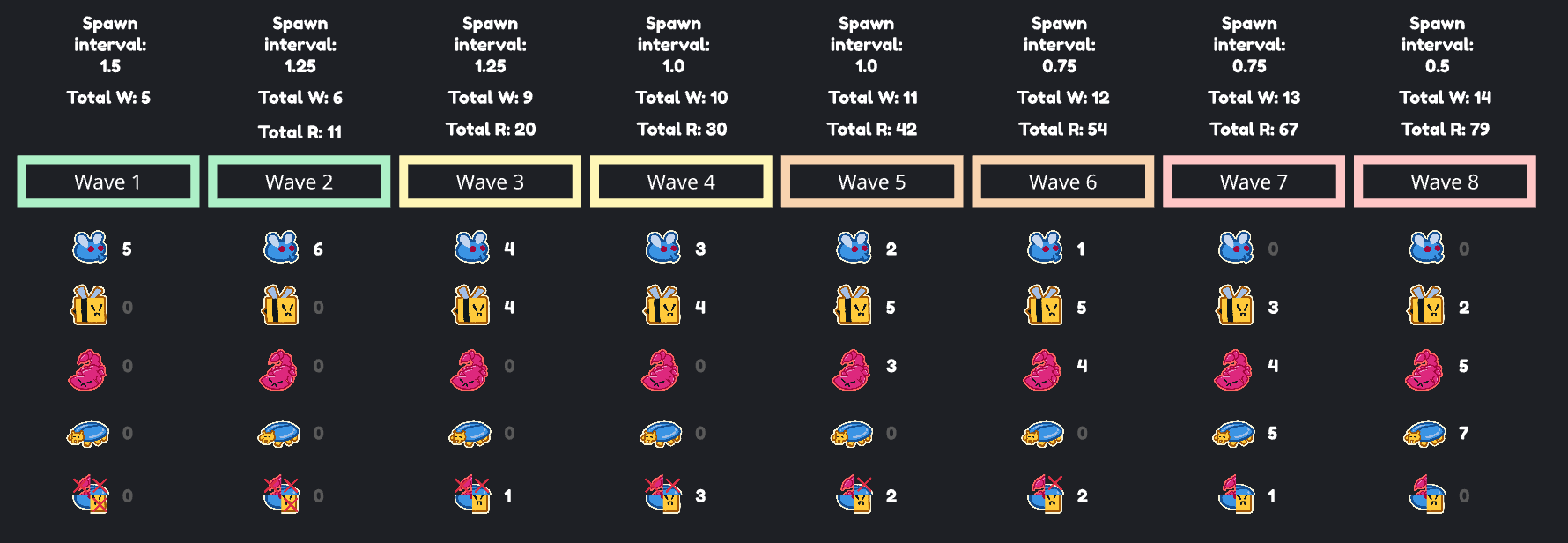
The wave pool
A run goes through every wave in the pool, in order. Each level of the More bugs upgrade adds the next wave to the pool, but the pool holds only four waves: from the fifth one on, unlocking a wave drops the oldest. That way, runs get harder instead of just longer.
Along with the four-wave limit, we made one more choice later, while balancing the waves: the whole run uses the spawn interval of the hardest wave in the pool. With waves 3 to 6 unlocked, for example, bugs spawn every 0.75 seconds from the very first wave of the run.
| Level | Waves in the run | Spawns every | |||||||
|---|---|---|---|---|---|---|---|---|---|
| Start | 1 | 1.5 s | |||||||
| Lv 1 | 1 | 2 | 1.25 s | ||||||
| Lv 2 | 1 | 2 | 3 | 1.25 s | |||||
| Lv 3 | 1 | 2 | 3 | 4 | 1 s | ||||
| Lv 4 | 1 | 2 | 3 | 4 | 5 | 1 s | |||
| Lv 5 | 2 | 3 | 4 | 5 | 6 | 0.75 s | |||
| Lv 6 | 3 | 4 | 5 | 6 | 7 | 0.75 s | |||
| Lv 7 | 4 | 5 | 6 | 7 | 8 | 0.5 s | |||
In the run Just unlocked Dropped
The arena
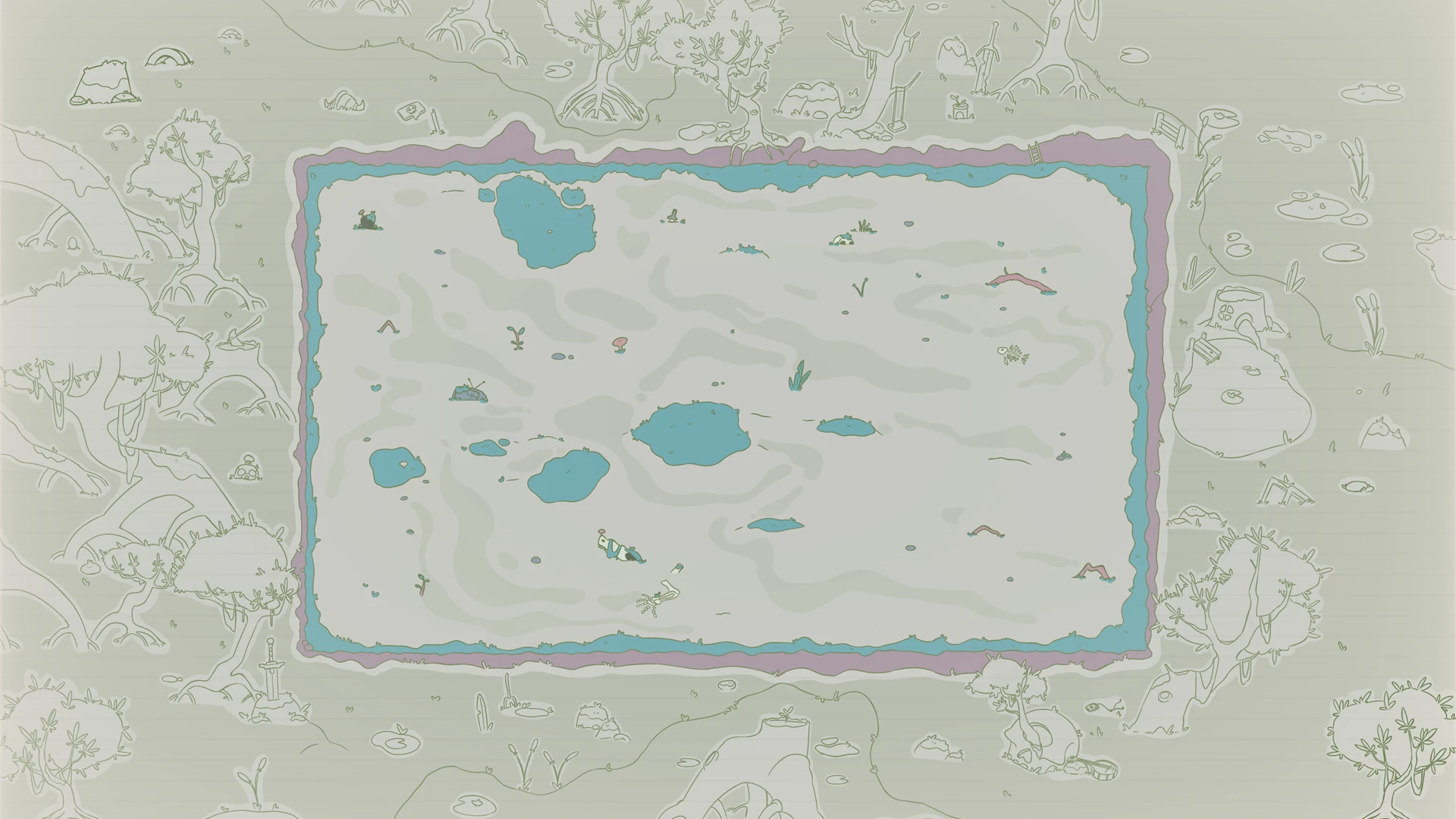
The arena is a clearing in the swamp. Bugs spawn just outside the player's view, so they're always coming in from the edges, either inside the arena or in the area around it. That outer area is a big collider that only the frog can't cross: bugs walk in through it freely.
Upgrades
From jars to bugs
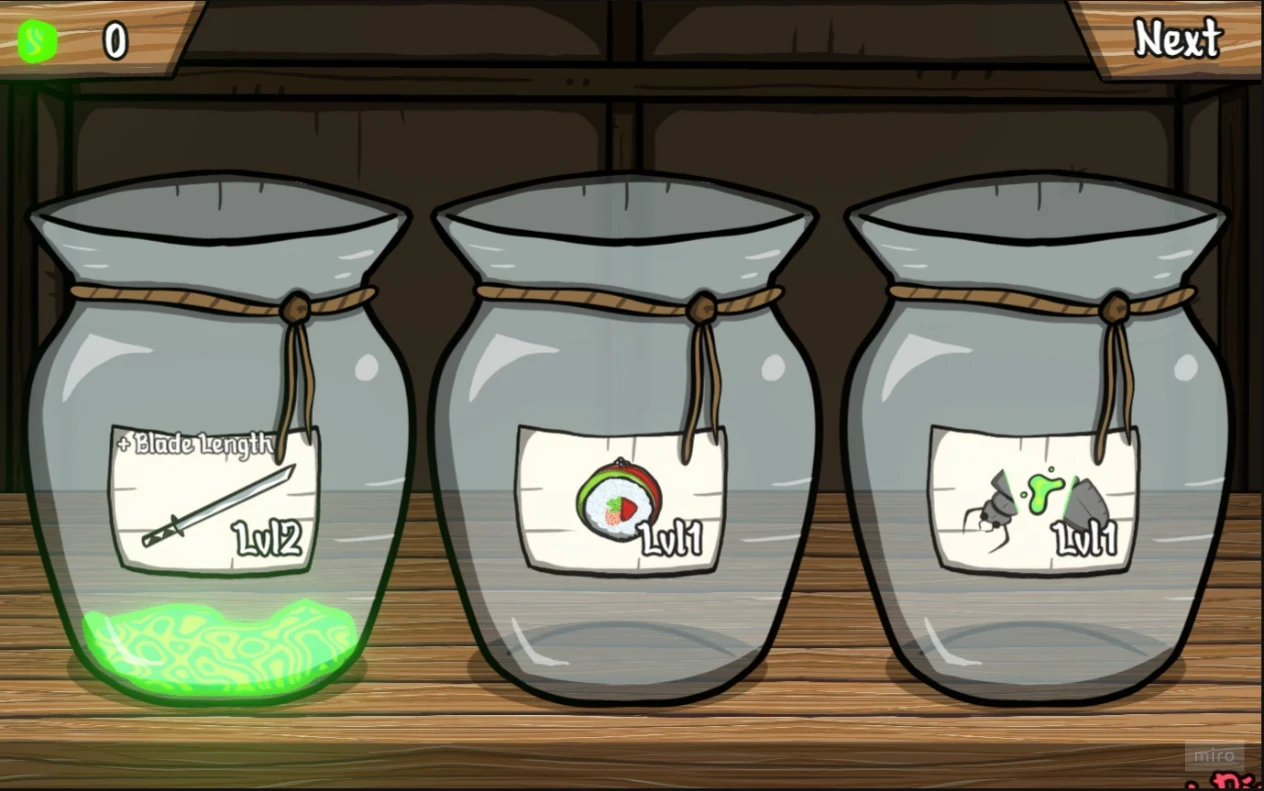
The upgrade system started from Bento Bugs, where you spend what you collect on a shelf of jars, each one leveling up a different stat. Our first draft had three upgrade lines priced in coins: one for the tongue (reach, tongue speed and hold time), one for health and move speed, and one that multiplied the value of every bug.
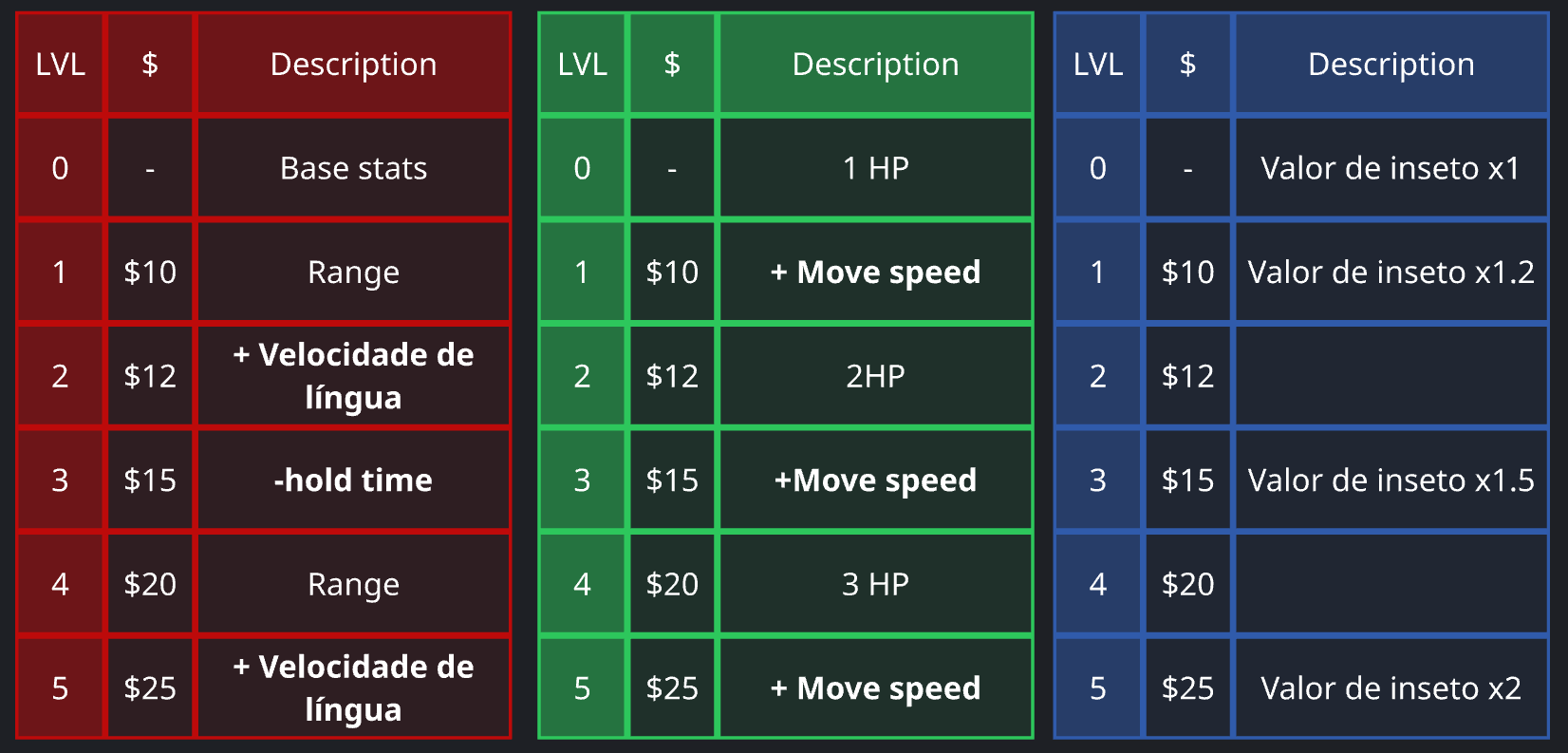
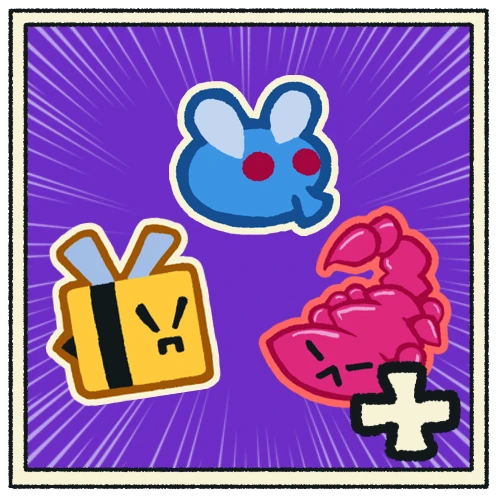
In the final version there are no coins and no bug values: each bug is its own currency, and every upgrade costs a mix of them.
The four upgrades
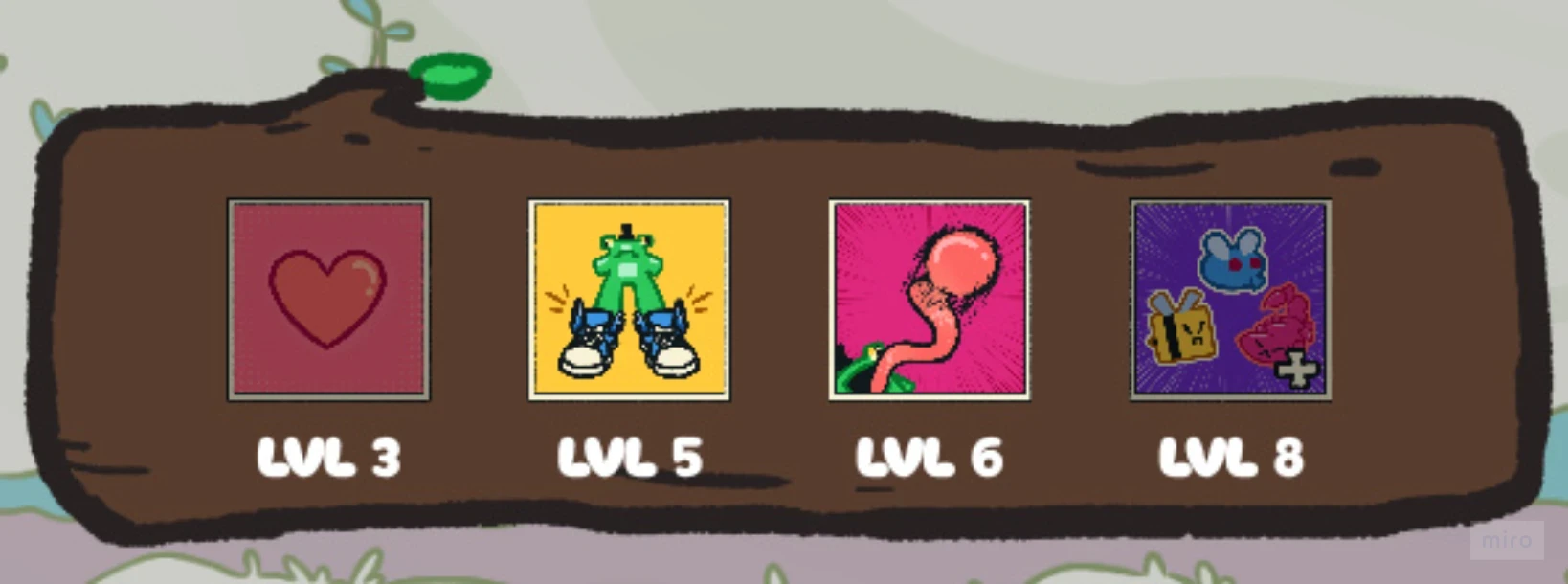
The number of levels of each upgrade comes from the scope we wanted:
More bugs
7 levels
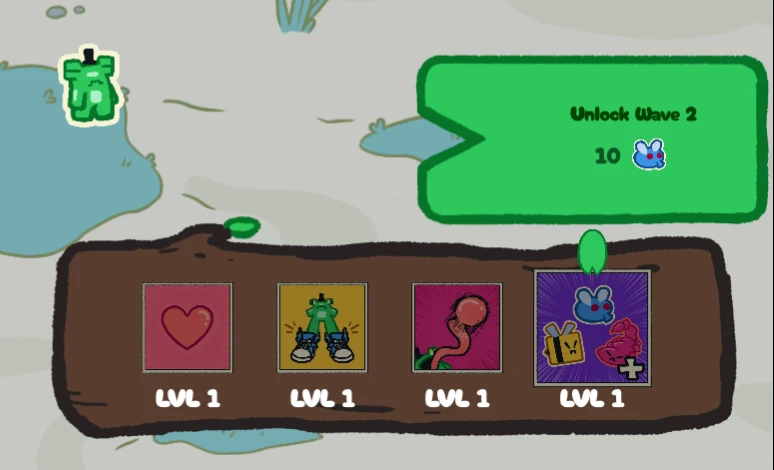
Unlocks the next wave, up to wave 8
Eight waves were enough for a jam, and the first one is there from the start

More hearts
2 levels
From 1 up to 3 hearts
Three hearts is the frog's cap
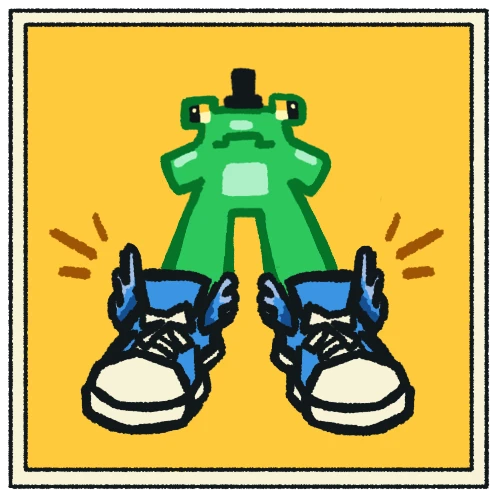
Cool sneakers
8 levels
Move speed, up to +200%
Enough steps for a smooth speed ramp
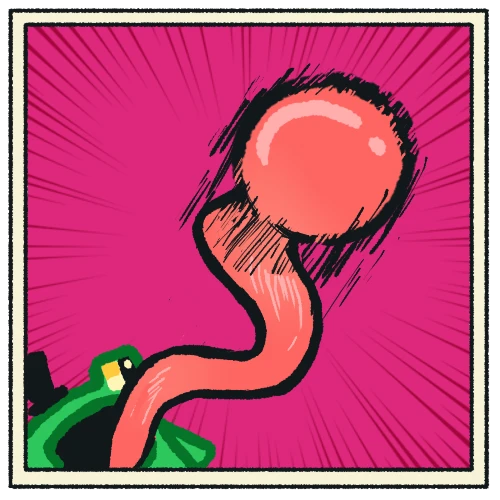
Longer tongue
10 levels
Reach and tongue speed, both up to +100%
Alternates between the two, five levels each
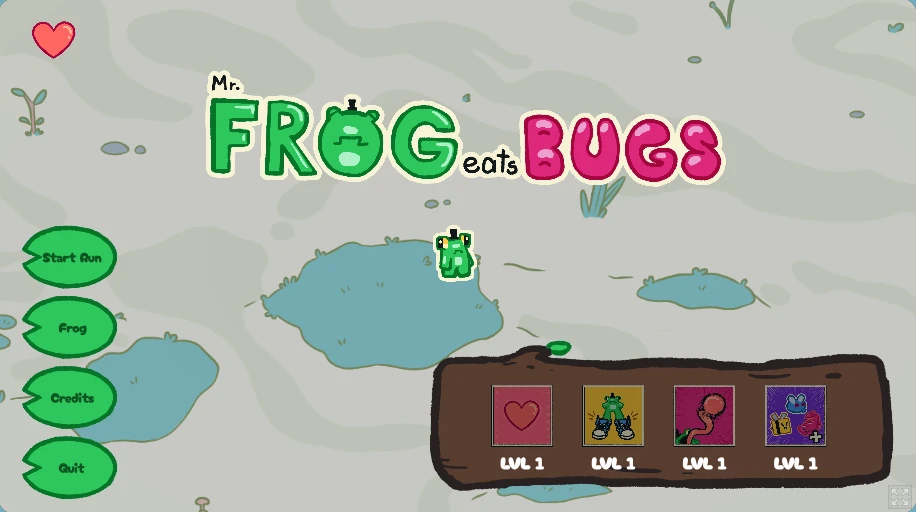
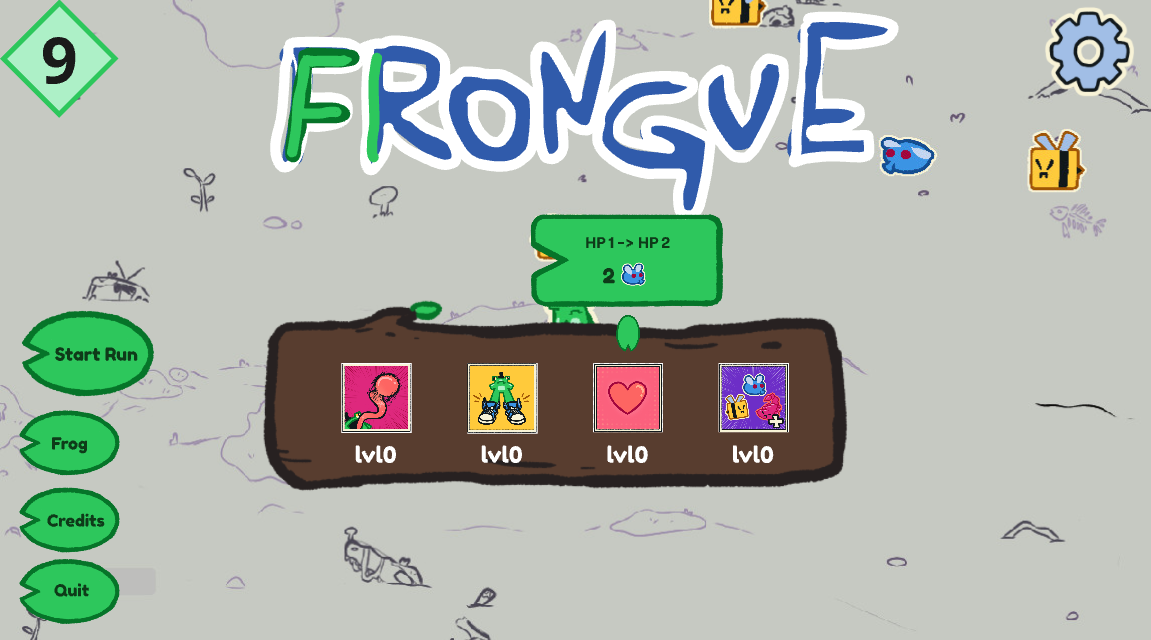
The upgrades sit on a log in the title screen. Hovering one shows what the next level does and how much it costs.
Costs and balancing
The costs follow the waves. Each bug only shows up from a certain wave on, so a price that asks for it can only be paid after that wave is unlocked, and More bugs ends up setting the pace for every other upgrade:

FlyWave 1From the start

BeeWave 3More bugs Lv 2

ScorpionWave 5More bugs Lv 4

BeetleWave 7More bugs Lv 6
Costs in flies bees scorpions beetles Highlightedfirst time an upgrade asks for that bug
More bugs| Lv | Wave pool | Cost |
|---|---|---|
| 1 | Waves 1–2 | 10 |
| 2 | Waves 1–3 | 15 |
| 3 | Waves 1–4 | 208 |
| 4 | Waves 2–5 | 2515 |
| 5 | Waves 3–6 | 30179 |
| 6 | Waves 4–7 | 2015 |
| 7 | Waves 5–8 | 50158 |
Cool sneakers| Lv | Move speed | Cost |
|---|---|---|
| 1 | +0% → +10% | 3 |
| 2 | +10% → +25% | 7 |
| 3 | +25% → +40% | 103 |
| 4 | +40% → +60% | 155 |
| 5 | +60% → +80% | 18104 |
| 6 | +80% → +100% | 20156 |
| 7 | +100% → +150% | 20208 |
| 8 | +150% → +200% | 2594 |
More hearts| Lv | Effect | Cost |
|---|---|---|
| 1 | 1 → 2 HP | 109 |
| 2 | 2 → 3 HP | 2064 |
Longer tongue| Lv | Effect | Cost |
|---|---|---|
| 1 | Reach +0% → +10% | 4 |
| 2 | Tongue speed +0% → +10% | 8 |
| 3 | Reach +10% → +25% | 114 |
| 4 | Tongue speed +10% → +25% | 167 |
| 5 | Reach +25% → +50% | 20106 |
| 6 | Tongue speed +25% → +50% | 21158 |
| 7 | Reach +50% → +75% | 22209 |
| 8 | Tongue speed +50% → +75% | 30116 |
| 9 | Reach +75% → +100% | 35118 |
| 10 | Tongue speed +75% → +100% | 401310 |
Menus
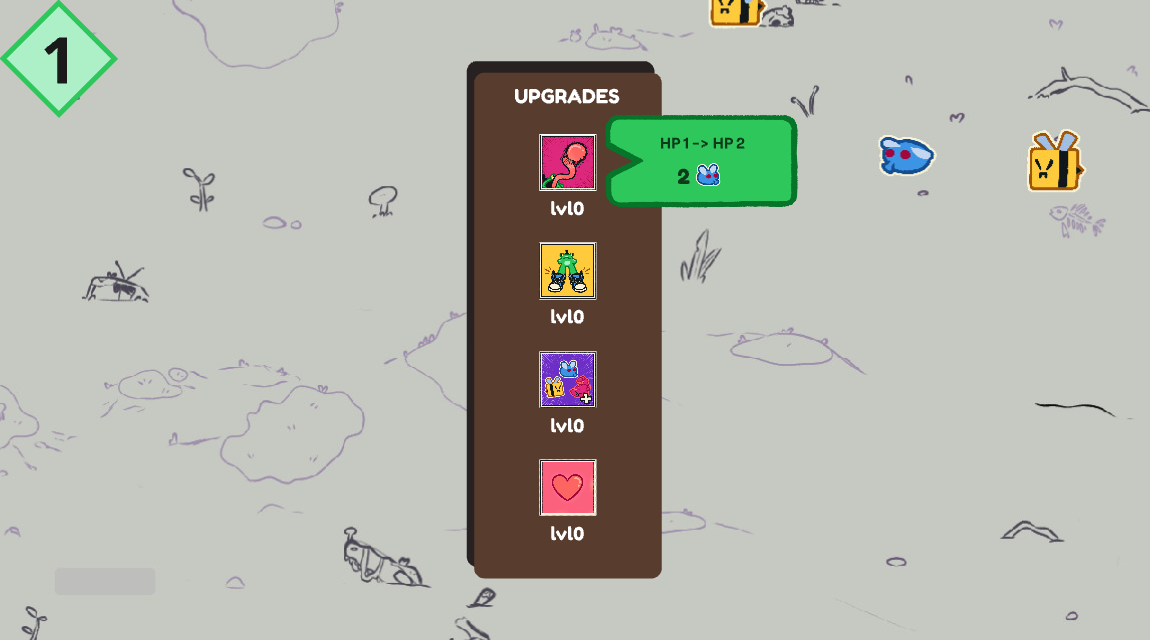
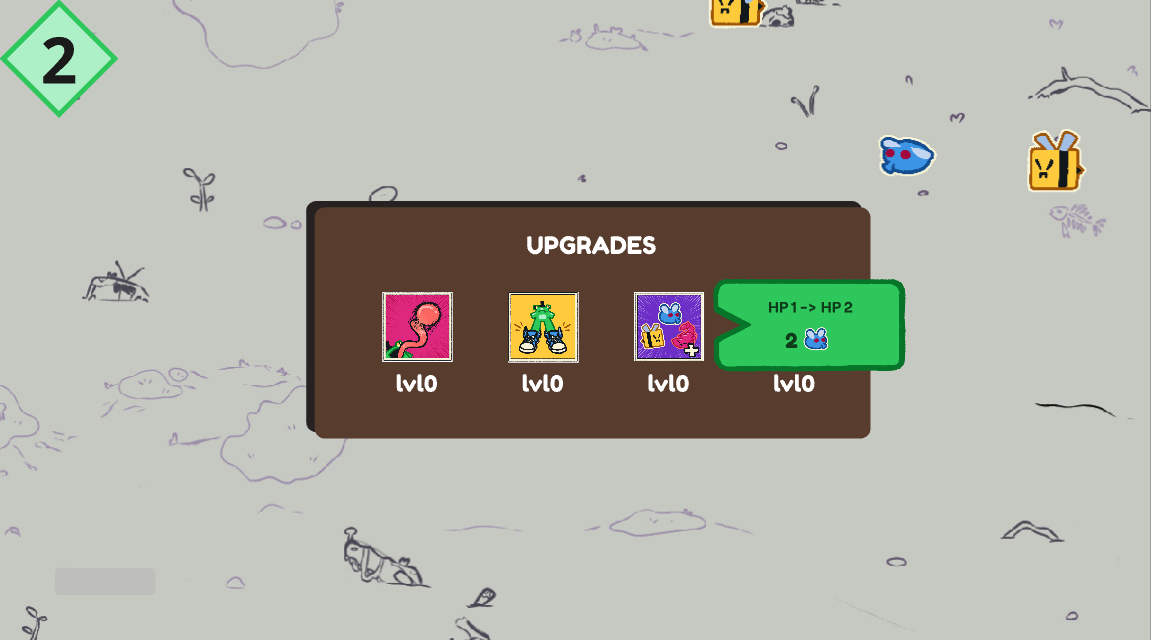
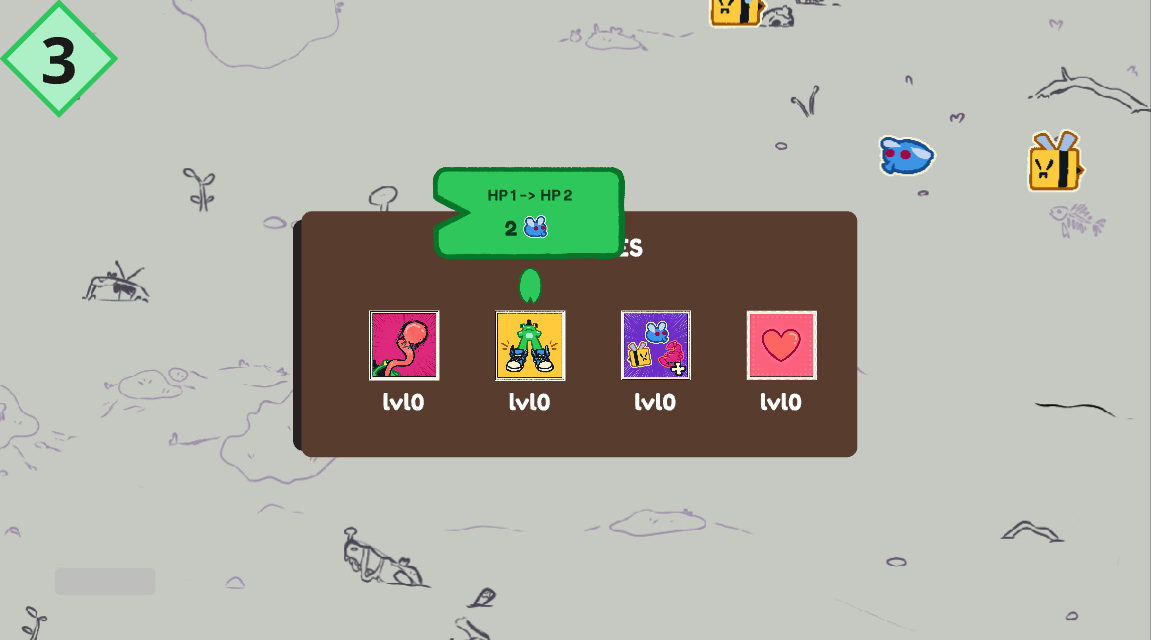
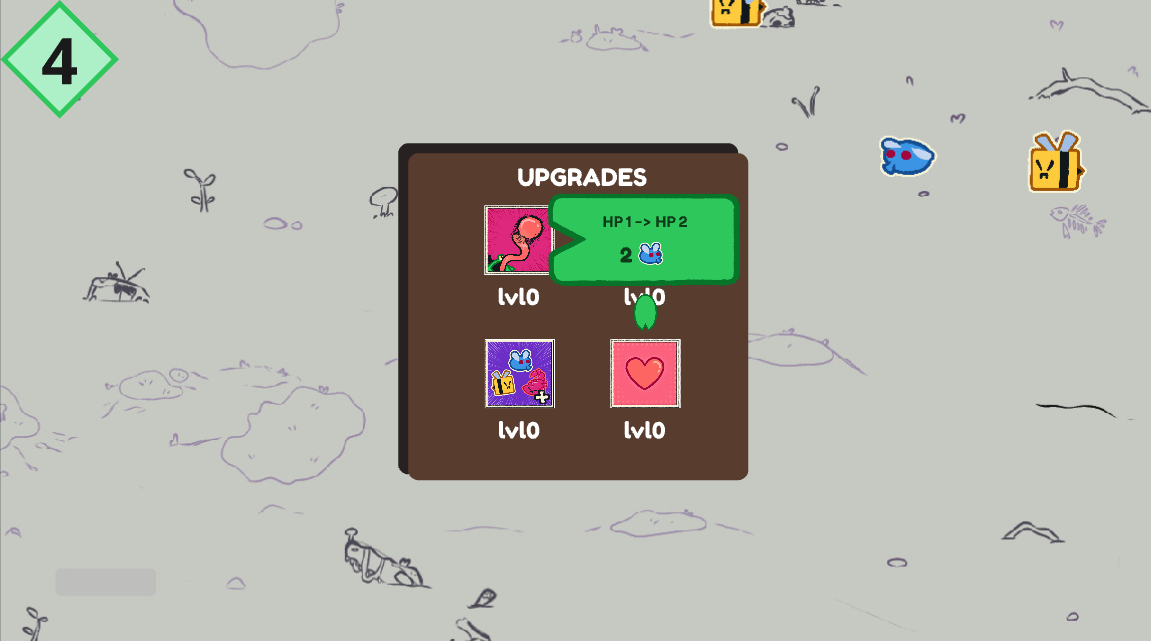
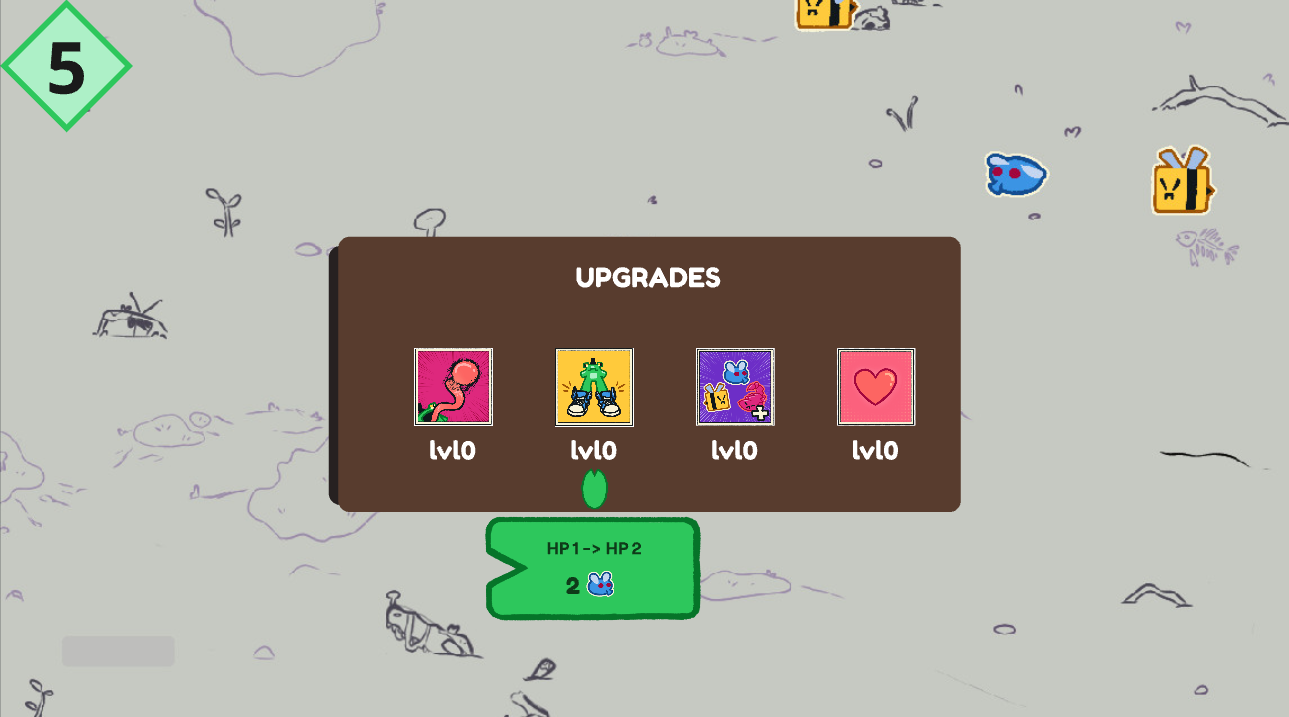
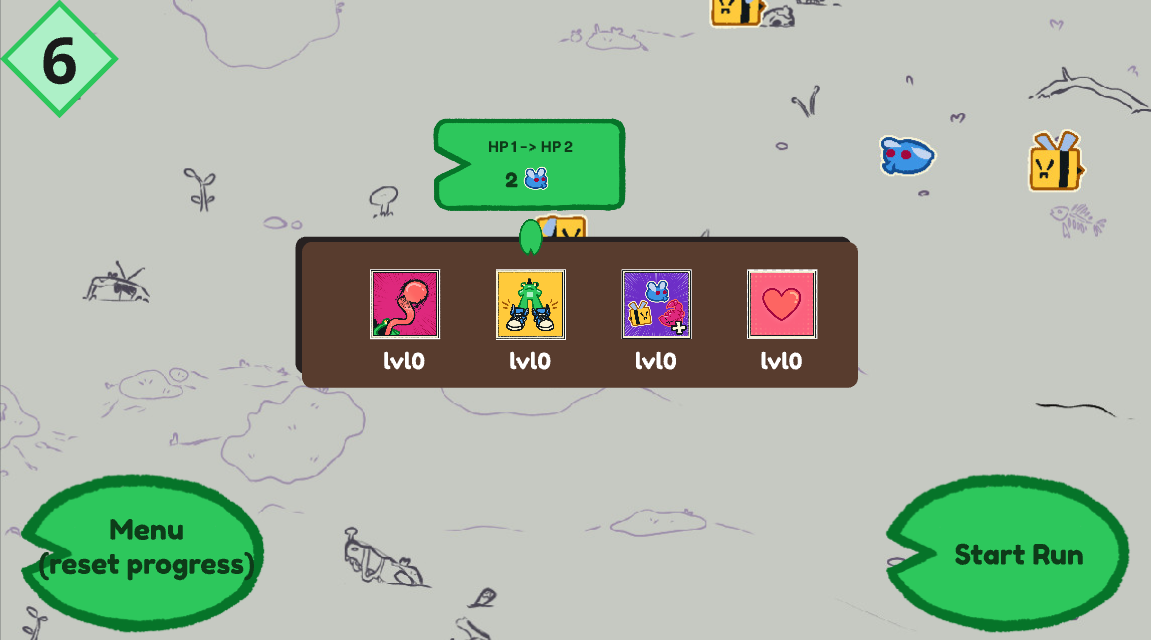
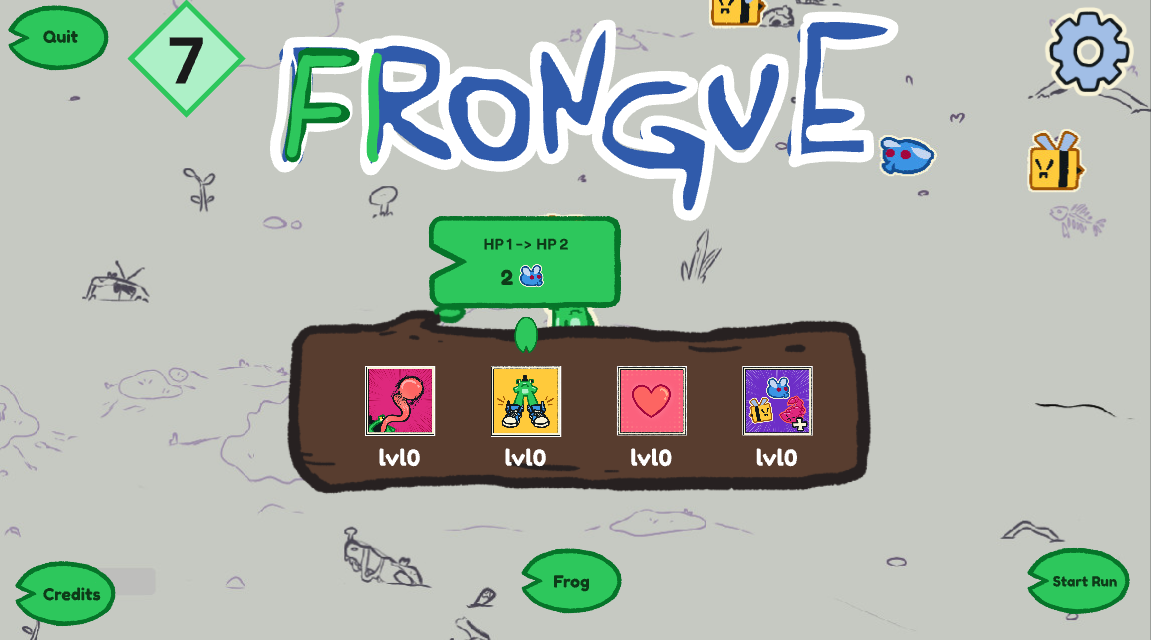
Using the team's art and quick placeholders of our own, we mocked up nine layouts for the title screen before picking one.
The upgrade panel
The first six focus on the upgrade panel: whether it's vertical, horizontal or a grid, and where the tooltip with the next level's effect and cost shows up.
The title screen
The last three bring in the title (still the game's working title, Frongue), the buttons and the frog, to work out how the player gets from the upgrades to a new run.
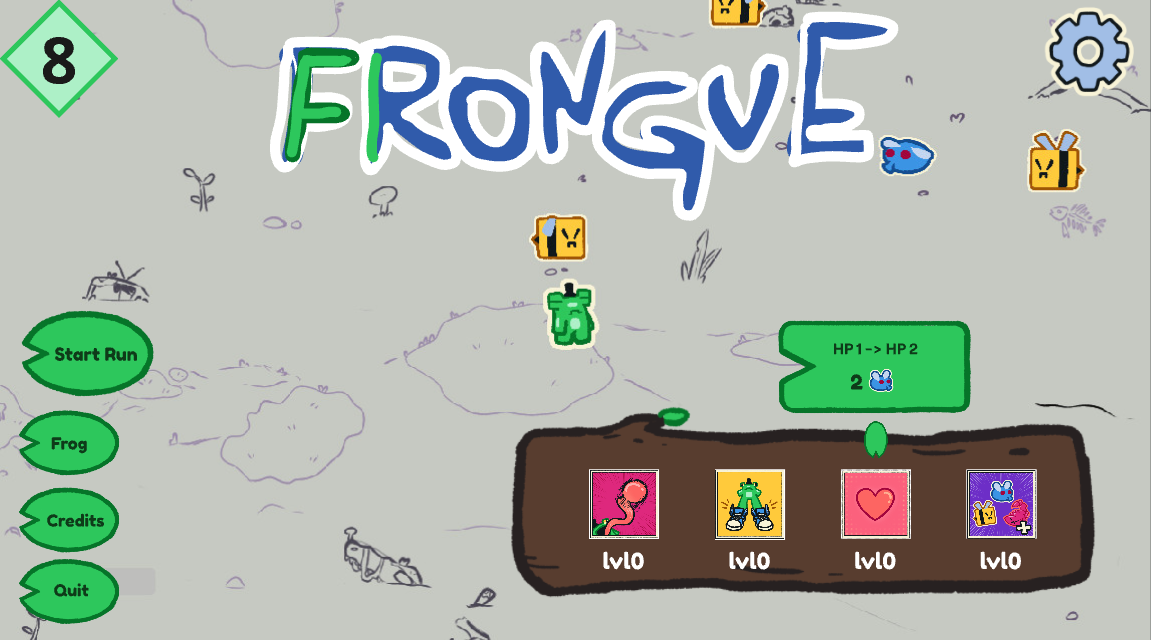
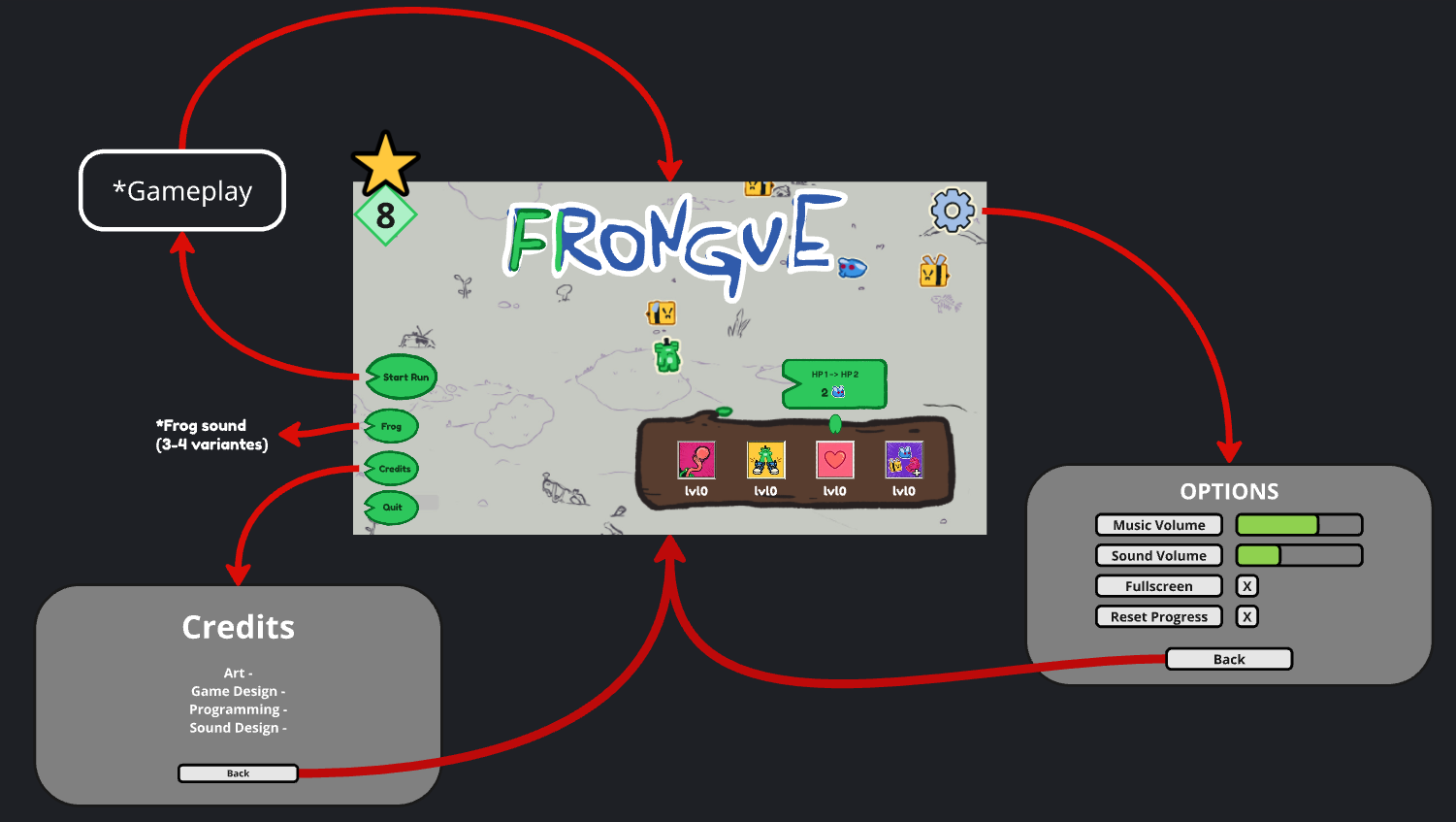
We went with number 8: the buttons stacked on the left, the upgrade log on the right and the frog in the open space between them. The plan also mapped the flow between screens: Start Run goes to the gameplay and back, Frog plays a frog sound (3 or 4 variations), and Credits and Options each open their own screen with a Back button.
In the game
In the jam version, the menu is just the title screen: the upgrade log, and buttons to start a run, play a frog sound, see the credits and quit.